POEA e-Registration Philippines 2026: DMW Login, Registration, Requirements & OFW Guide
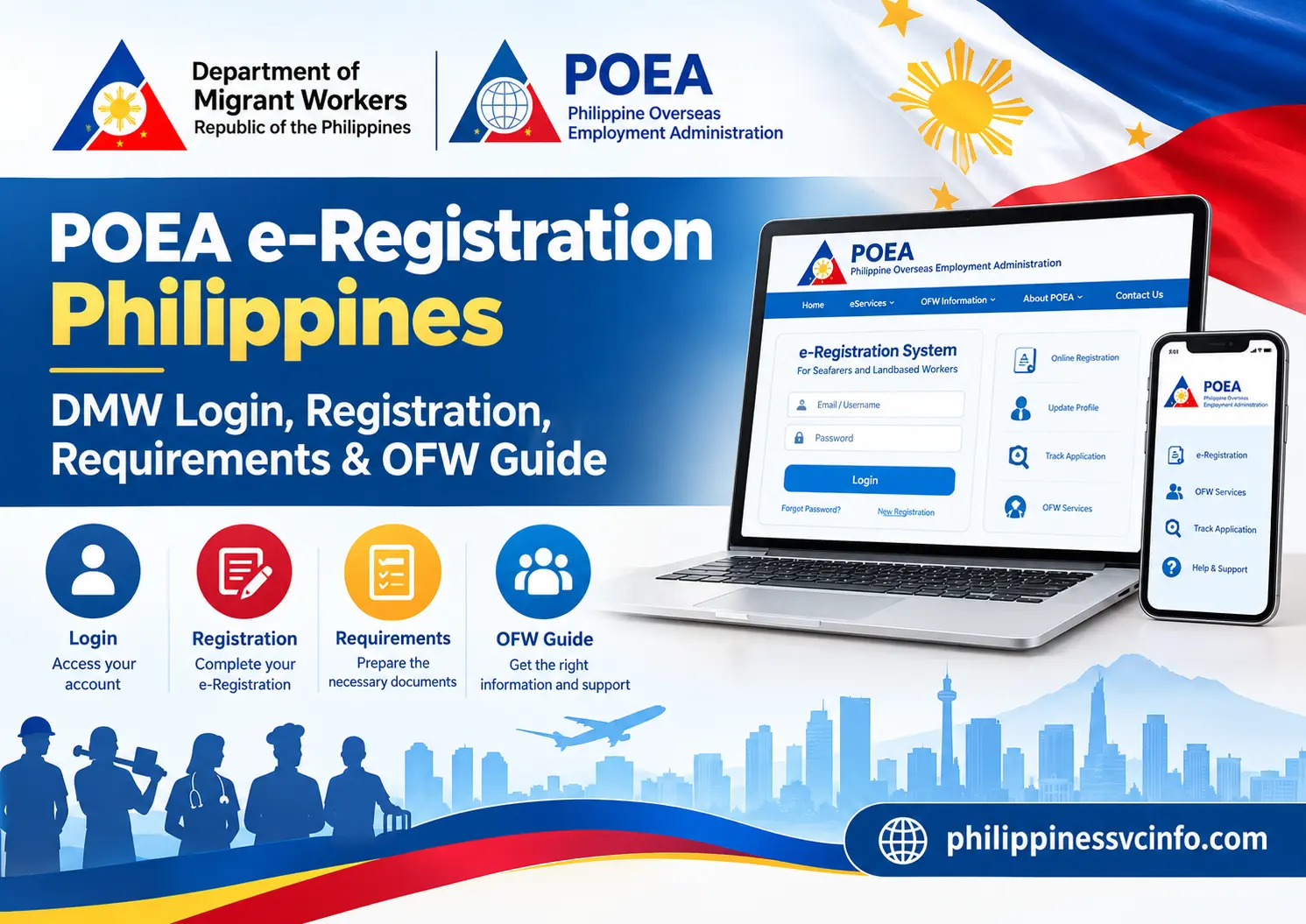
Definition: POEA e-Registration, now managed by the Department of Migrant Workers (DMW), is an online system that allows Filipino workers and overseas job applicants to create and maintain their personal profiles, education details, skills, and employment records. It supports access to relevant overseas recruitment services and helps applicants manage information required for employment processing.
What Is POEA e-Registration?
POEA e-Registration is an online registration service now managed under the Department of Migrant Workers (DMW) in the Philippines. It allows Filipino applicants seeking overseas employment to create an account, obtain an e-Registration number and maintain personal details, qualifications and employment-related information needed for relevant overseas recruitment services.
The official portal describes the service as a way to register and update the profile used when applying for jobs abroad.
Official DMW e-Registration Website and Login
Official online services and e-Registration access
Government announcements, services and public guidance
For account, registration and profile-related concerns
The portal may still display legacy POEA wording on certain pages. That does not mean you should automatically switch to an unofficial website. Start with the government domain and follow the relevant service links provided there.
Who Should Create a DMW e-Registration Account?
The account is intended for Filipino workers and applicants who need access to relevant overseas employment services. The exact process after registration depends on the person’s employment situation.
| Applicant category | Why registration may be needed |
|---|---|
| First-time overseas job applicants | To create a profile for overseas job applications and recruitment processing. |
| Agency-hired workers | To maintain the information used in the relevant recruitment and employment documentation process. |
| Direct-hire applicants | To support the applicable DMW evaluation and contract-processing requirements. |
| Returning OFWs | To access relevant services for their return to an existing employer or their next deployment, depending on eligibility. |
| Seafarers | To access the relevant services and requirements for sea-based employment. |
Creating an account does not itself guarantee a job, contract approval, deployment clearance or permission to leave the Philippines. Those outcomes depend on the applicable process and the verification of the worker’s documents.
Requirements to Prepare Before Registering

Gather your information before opening the registration form. This reduces the risk of entering inconsistent details or having to repeat the process.
1. Personal and contact information
Prepare the following:
- Your full legal name as recorded in your passport.
- Your date of birth and gender.
- An active email address that you can access.
- A secure password meeting the portal’s displayed requirements.
- Your valid passport details, where requested by the registration form.
The portal’s published registration instructions emphasise accurate personal information. The current online services pages also specify a minimum password length of eight characters and an alphanumeric password. Follow any additional instructions displayed on the live form.
2. Education, skills and employment records
Depending on your application and profile, you may need information about:
- Educational qualifications.
- Previous work experience.
- Vocational or technical training.
- Professional qualifications and licences, where applicable.
- Skills, language abilities and job preferences.
Enter only information that accurately describes your background. If you have never worked abroad, do not invent overseas employment history to complete a field.
3. Supporting documents
Keep the documents relevant to your particular employment route available before beginning any later verification or contract-processing stage. These may include:
- Passport identification page.
- Employment contract, where applicable.
- Work visa or entry permit, if required for your case.
- Training or professional certificates, where relevant.
- Other documents specifically requested by the DMW or your licensed recruitment agency.
Important: The exact document list, file formats, size limits and passport-validity requirements can differ by service and destination. The general e-Registration account should not be confused with a separate application for contract verification, direct-hire processing or deployment clearance.
4. PEOS completion
The Pre-Employment Orientation Seminar (PEOS) is a separate service that provides information to Filipino applicants considering overseas employment. Some applicants may need to complete it as part of their recruitment process.
Use the official PEOS portal and follow the instructions for your applicant category. The PEOS website states that users need an e-Registration account to access its service.
How to Register on the DMW e-Registration Portal

New applicants can begin through the official online services page. The interface may change over time, so use the labels shown on the current website rather than relying on screenshots from an older POEA tutorial.
Step 1: Open the official website
Visit OnlineServices. Find the e-Registration section and select Let’s Go, or use the available registration link.
Step 2: Select Register
If you have never created an account, choose the registration option rather than attempting to log in with another person’s details. Existing users should try their current account first.
Step 3: Read and accept the terms
Review the terms of use and privacy statement. Continue only when you understand and agree to the displayed conditions.
Step 4: Enter your personal details
Complete the fields requested by the form, including your legal name, date of birth, gender, email address and passport information where required. Check your spelling before submitting.
Step 5: Create your password and submit
Set a password that meets the website’s requirements. Complete the registration form and follow any confirmation or activation instructions presented by the portal.
Step 6: Sign in and complete your profile
Return to the login page and use your registered credentials. Fill in the remaining profile sections available to you, such as education, work experience, skills and other requested information.
The official portal and its published registration materials confirm the account creation and profile-maintenance functions. However, the exact activation method should be checked on the live form; do not assume every version of the service uses an identical email-verification process.
Tips for avoiding registration errors
- Match your passport: Use the spelling and order of your legal name shown in the document.
- Use an accessible email address: Keep access to the email account you register with.
- Save your e-Registration number: Store it securely after the system issues it.
- Keep your password private: Never share it with an unverified recruiter or online agent.
- Review before submitting: Incorrect identity information can create problems during later verification.
DMW e-Registration Login: How to Access an Existing Account

If you already have an e-Registration account, you generally do not need to create another one simply because the service is now associated with DMW.
- Open the official DMW Online Services Portal.
- Select Let’s Go under e-Registration, if that option is displayed.
- Choose the login option and enter the email address or credentials requested by the page.
- Enter your password and continue.
- Once signed in, review the information available in your profile and check for any notices or outstanding requirements.
The official portal supports both new registration and access to an existing profile for updating important details.
What if the login page looks different?
Some official pages may retain POEA branding or older interface elements. Start from the official DMW services page, follow its current e-Registration link and avoid entering your password on a third-party website that merely copies the portal’s appearance.
How to Update Your DMW Profile

An e-Registration profile should reflect your current and accurate information. Changes to your contact details, qualifications or employment background may be relevant when applying for jobs or proceeding with employment documentation.
After signing in:
- Open the profile or personal-information section.
- Review your contact details and other editable fields.
- Update the information that has changed.
- Check the entries for spelling mistakes and inconsistencies.
- Save or submit the changes using the controls provided.
Can you change your name or date of birth?
Do not assume that every field can be edited directly. If your legal name, birth date, passport number or other identity information is incorrect, consult the DMW Helpdesk and follow the instructions for correcting your record. You may be asked to provide supporting identification.
Use the official DMW Online Helpdesk to submit an appropriate concern. Include only the information and documents requested through the official process.
DMW e-Registration Fees: Is Account Creation Free?
Accessing the e-Registration service is different from paying for overseas employment processing. The registration portal provides the facility to create and maintain an account, while separate employment-related services may have their own requirements and applicable charges.
| Service or requirement | What to know |
|---|---|
| e-Registration account | The portal provides online registration and profile access. |
| Contract processing | Requirements and any applicable charges depend on the relevant process. |
| OWWA membership | Contributions and eligibility should be confirmed through official OWWA channels. |
| Visa and medical examination | These may involve separate costs determined by the applicable rules and provider. |
| Recruitment agency services | Verify that the agency is licensed and that any requested payment is lawful. |
Do not rely on a generic online fee table as proof that a particular amount is payable. The figures sometimes quoted in unofficial guides, including a fixed US-dollar DMW fee or a universal OWWA charge, should not be treated as applicable to every applicant. Confirm the current requirements for your employment route before paying.
You can begin checking through the official DMW website and the relevant service instructions.
DMW e-Registration Status Check and Application Tracking
Your e-Registration account is a starting point for overseas employment services, but it does not necessarily show every stage of a recruitment or contract application. The service used to process your employment documents may determine where you can check the latest status.
Where can you check your status?
- e-Registration profile: Sign in to review your personal details and the information available in your account.
- Relevant DMW service: Check the specific online service used for your contract, clearance or employment application.
- Recruitment agency: If you are agency-hired, ask your licensed agency about documents it has submitted and any outstanding requirements.
- DMW Helpdesk: Submit a ticket if your record appears incorrect or you cannot access the relevant service.
For direct-hire applicants, the process may involve separate document evaluation and contract-processing stages. Registering successfully does not mean that these stages have been approved.
DMW e-Registration, OEC and OFW Pass: What’s the Difference?
These terms refer to related but distinct parts of overseas employment administration.
An online account and worker profile used for relevant recruitment and employment services.
An employment-related document historically used as an exit clearance for eligible OFWs. Check current DMW rules for your category.
A digital identity and employment-verification facility associated with the DMW Mobile App. Its availability and exit-clearance functions depend on applicable DMW procedures.
The DMW has developed digital services for overseas workers, including the OFW Pass. However, do not assume that the e-Registration account itself is an OFW Pass or that every worker can automatically replace all OEC procedures with a digital pass. The department’s published guidance has distinguished the OFW Pass from the exit-clearance function, and rules can change.
For current instructions, start with the official DMW website and check the guidance applicable to your employment category and destination.
Common POEA e-Registration Problems and Solutions
| Problem | What to do |
|---|---|
| Forgot your password | Open the official login page and look for the password-recovery option. Follow the instructions displayed. |
| Cannot remember your registered email | Use the account-recovery options provided by the official portal. |
| No activation or confirmation email | Check Spam and Junk folders, confirm your email address and follow the portal’s current recovery procedure. |
| Name or birth date is incorrect | Contact the DMW Helpdesk and ask about the official identity-correction process. |
| Cannot update a profile field | Check whether the field is editable or requires assistance from DMW. |
| Account does not open | Retry through the official portal, check your internet connection and avoid creating a duplicate account before seeking help. |
| Employment status is unclear | Check the service handling your application and contact your recruitment agency, where applicable. |
The official portal offers account recovery, and the online services system provides a Helpdesk for concerns.
How to Submit a DMW Helpdesk Ticket
If the usual login or recovery steps do not work, use the official DMW ticket system.
- Open the Helpdesk using the official link.
- Choose the relevant concern category.
- Describe the issue clearly, including any error message.
- Provide the details requested by the form.
- Attach supporting documents only if required.
- Keep any reference number or confirmation provided by the system.
Never send your password in a support ticket or share an account verification code with an unknown person. If you are asked to provide passport information, make sure you are using the genuine government website.
Frequently Asked Questions About POEA e-Registration
Conclusion
The POEA e-Registration portal remains an important starting point for Filipino applicants who need to manage their overseas employment profiles under the Department of Migrant Workers. By using the official website, entering accurate personal information and keeping your account secure, you can reduce avoidable problems during registration and subsequent employment processing.Remember that account registration, PEOS completion, contract verification and exit-clearance procedures are separate steps. Always confirm the latest requirements for your particular employment category through official DMW channels before submitting documents or paying fees.
Discover What You Need to Know:
- PNPA Admission Philippines 2026: Requirements, Application & PNPACAT Guide
- CIRAS Philippines 2026 : Login, Registration, Official Website & User Guide
- FEO System Philippines 2026 : Login, LTOPF Registration, Requirements & Online Services
- SALN 2026 Form Philippines: Download, Requirements & Filing Guide